ForestFoxDX
About:
On April 27th, 2023, I finished creating my first original game. It is a cheerful 2D platformer called ForestFoxDX!
In this game, you play as a courageous fox.
You must overcome several challenges that the animals of the forest have prepared for you.
Only if you can complete the parkour with its challenges will the king allow you to marry the princess.
Created by:

Engine:
Made in Unreal Engine
Platforms:
Windows
Screenshots:
Process:
Game concept
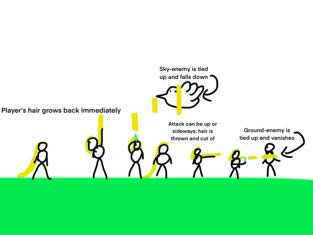
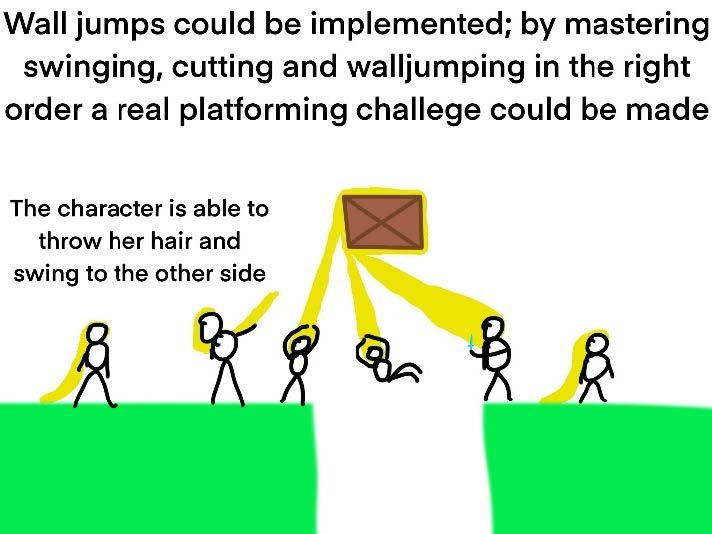
The person can also swing from objects to cross gaps. This could make for tricky platforming sections.
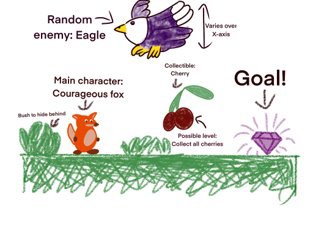
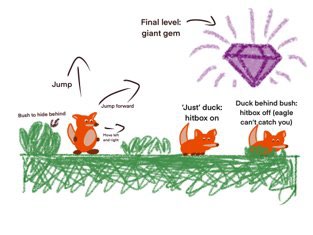
This is a sketch of the character's movement in the game, including the duck mechanic, where the hitbox will be turned off, only when the player ducks AND is behind a bush.
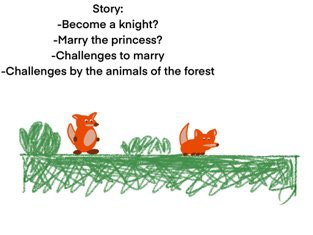
Lastly, I made a little storyboard, so the player knows why things need to get done in the game.
Building
I chose to make this game with three levels. In most platformers, the layout of the levels varies, but the objective stays the same. Regularly the objective is to ‘get from point A to point B.’ I chose to work the other way around: I used the same 'TileMap' for all three levels but changed the objective for every level, with increasing difficulty. I did this to challenge my creativity and make the game more interesting and appealing to players. I wanted the last level to feel fast-paced and the hardest of the three.
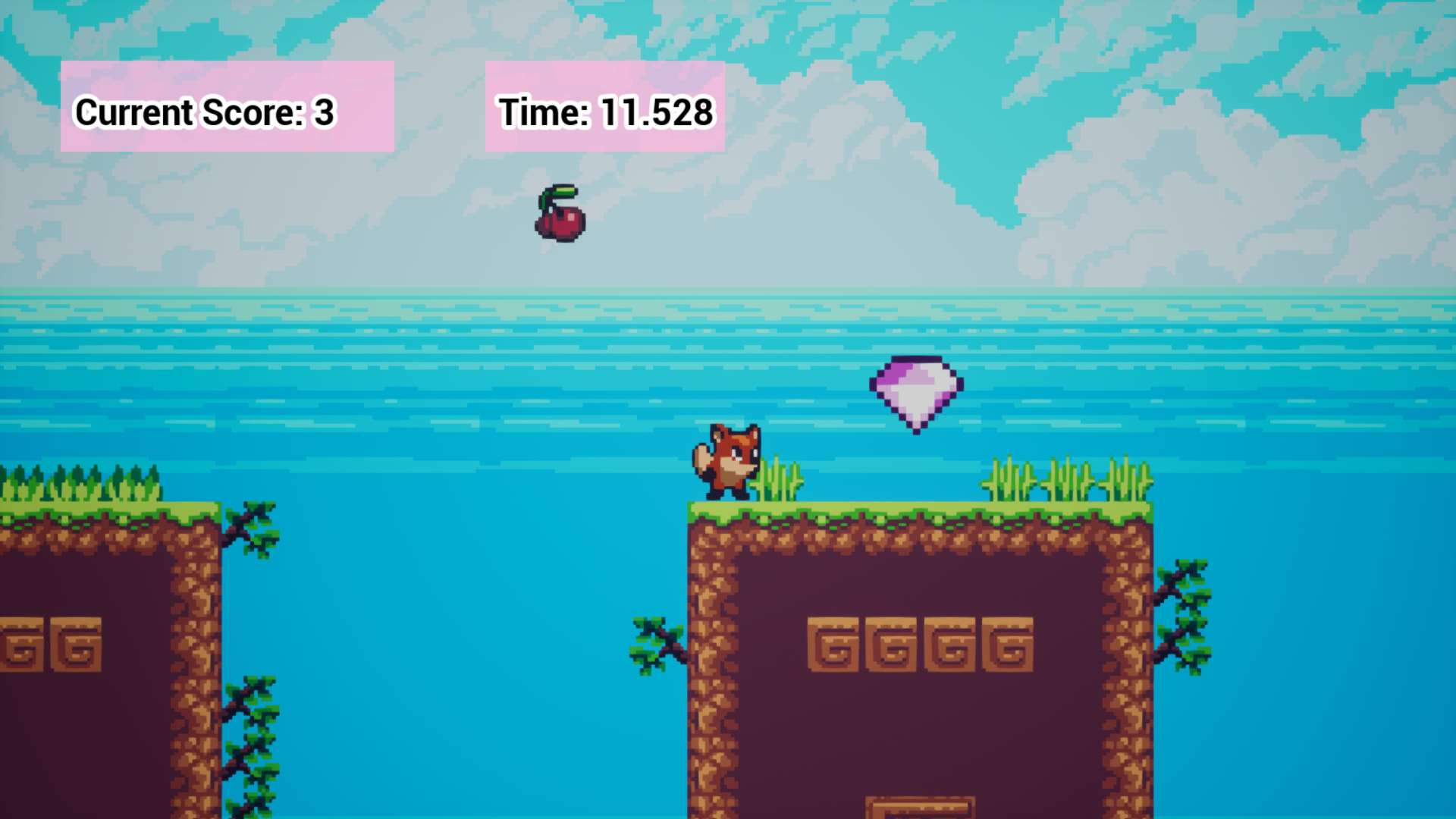
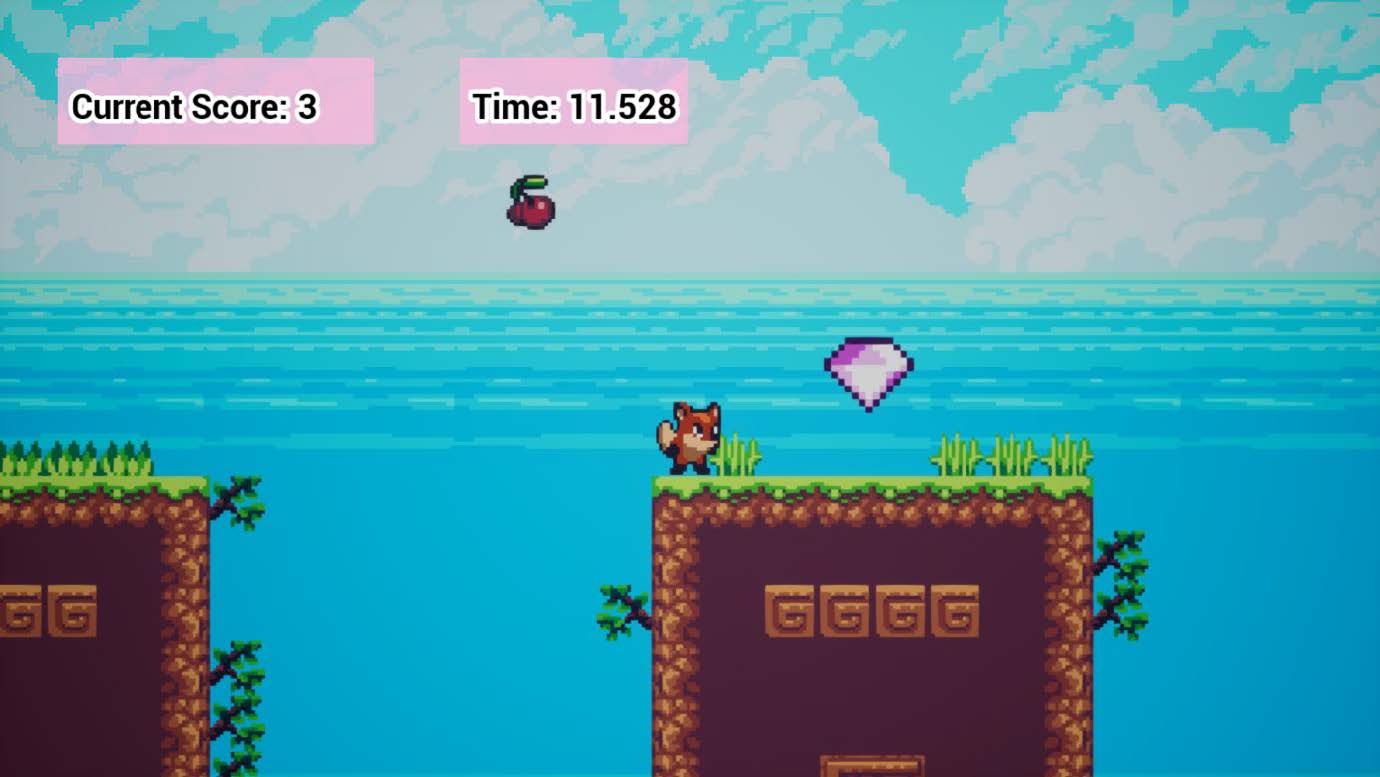 The first screenshot demonstrates level 1, where the player must find the Lost Gem.
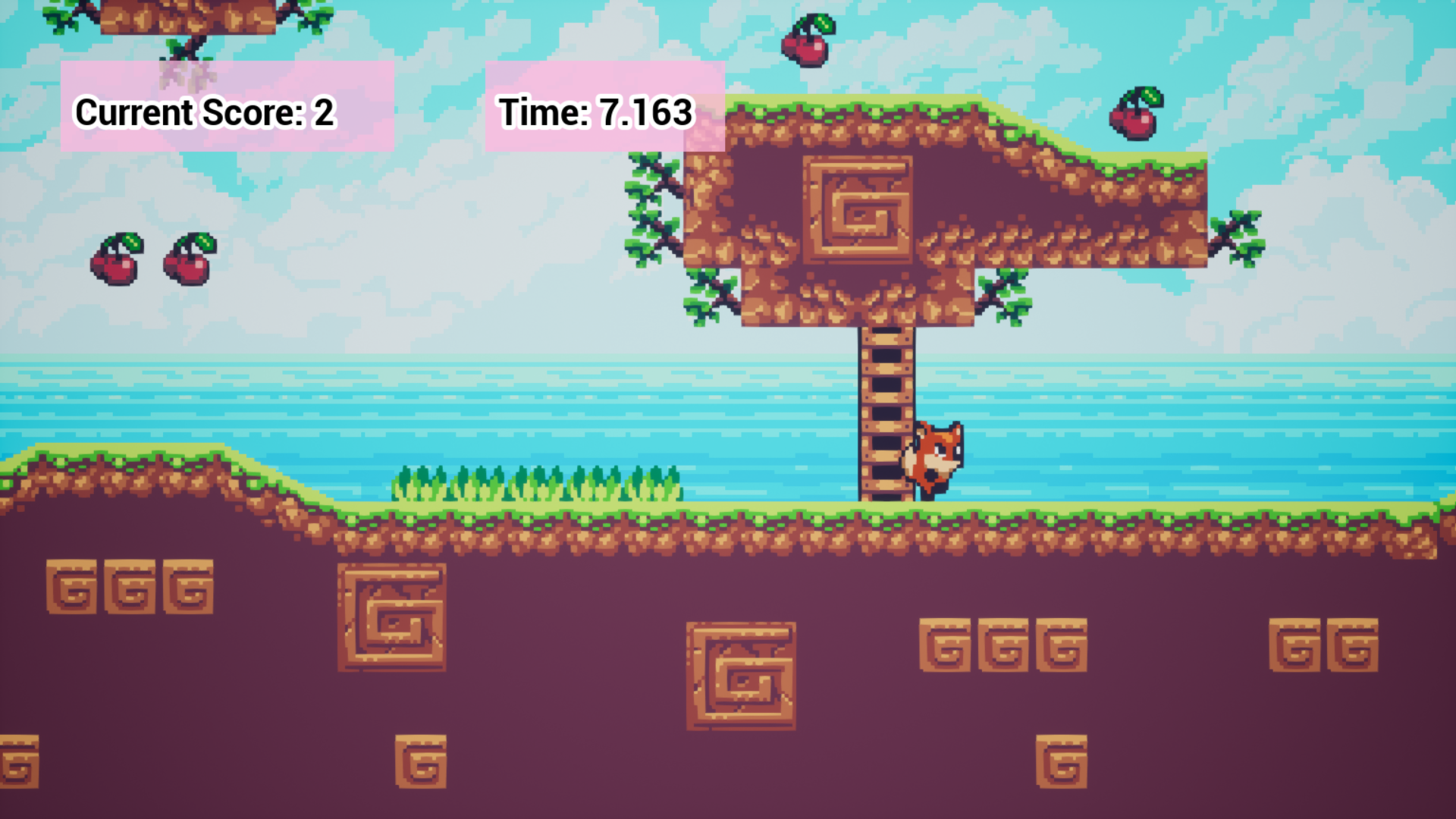
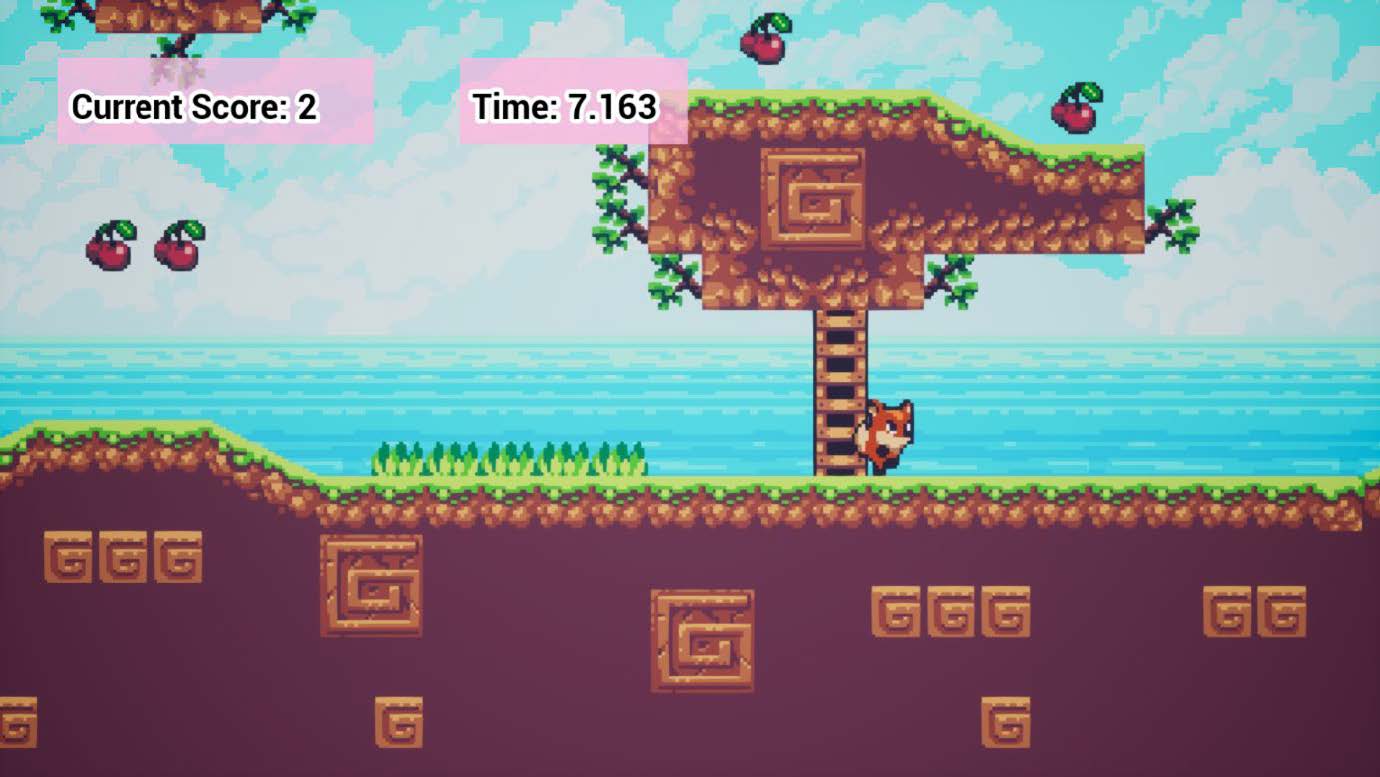 The second screenshot demonstrates level 2, where the player must collect all the cherries.
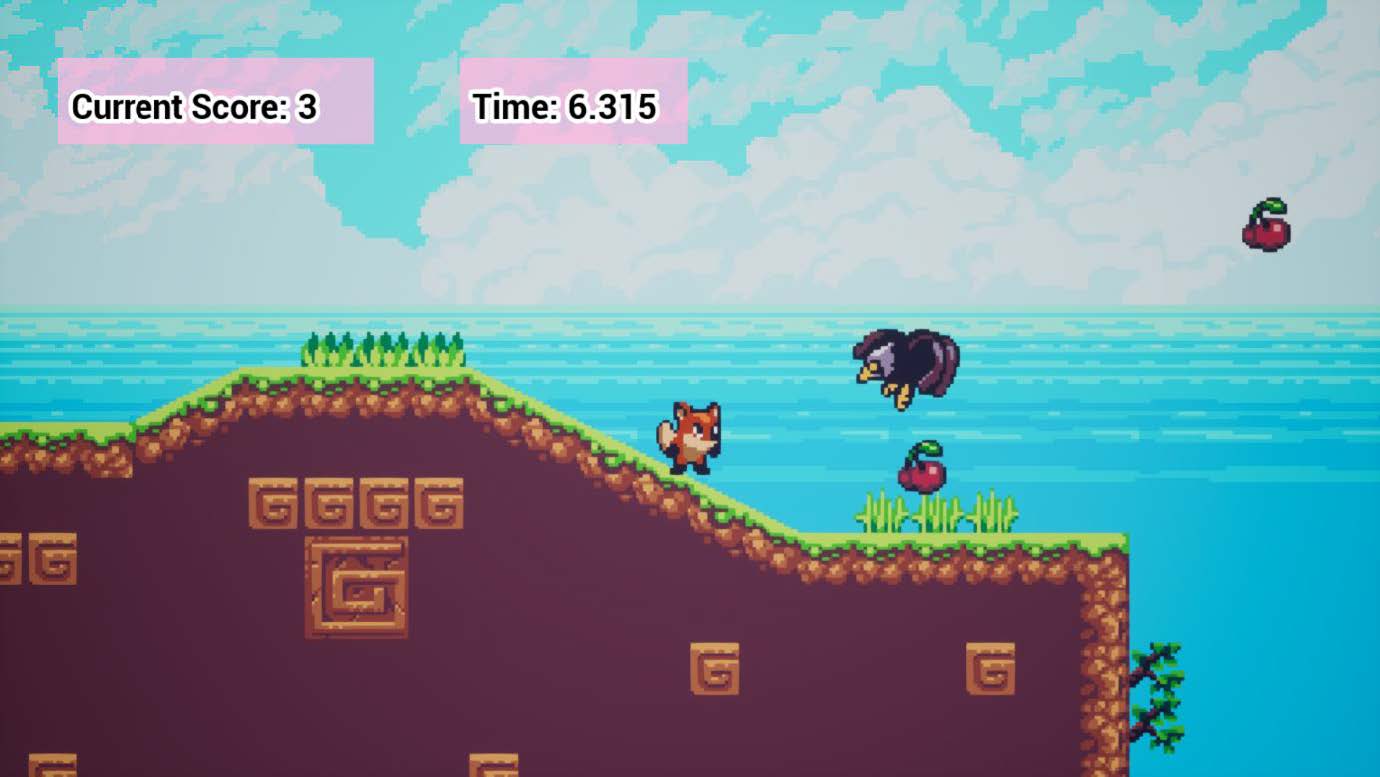 The third screenshot demonstrates the final level, where the player must avoid the eagle enemies that are constantly flying over in a fixed pattern.
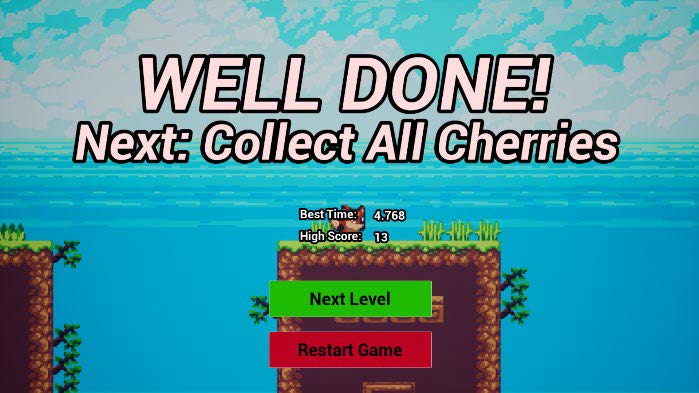
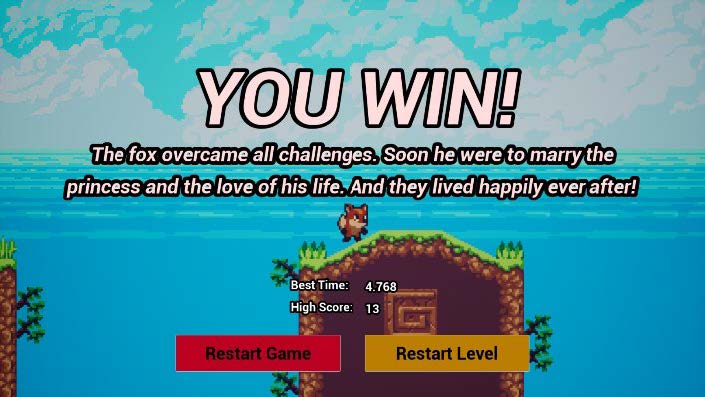
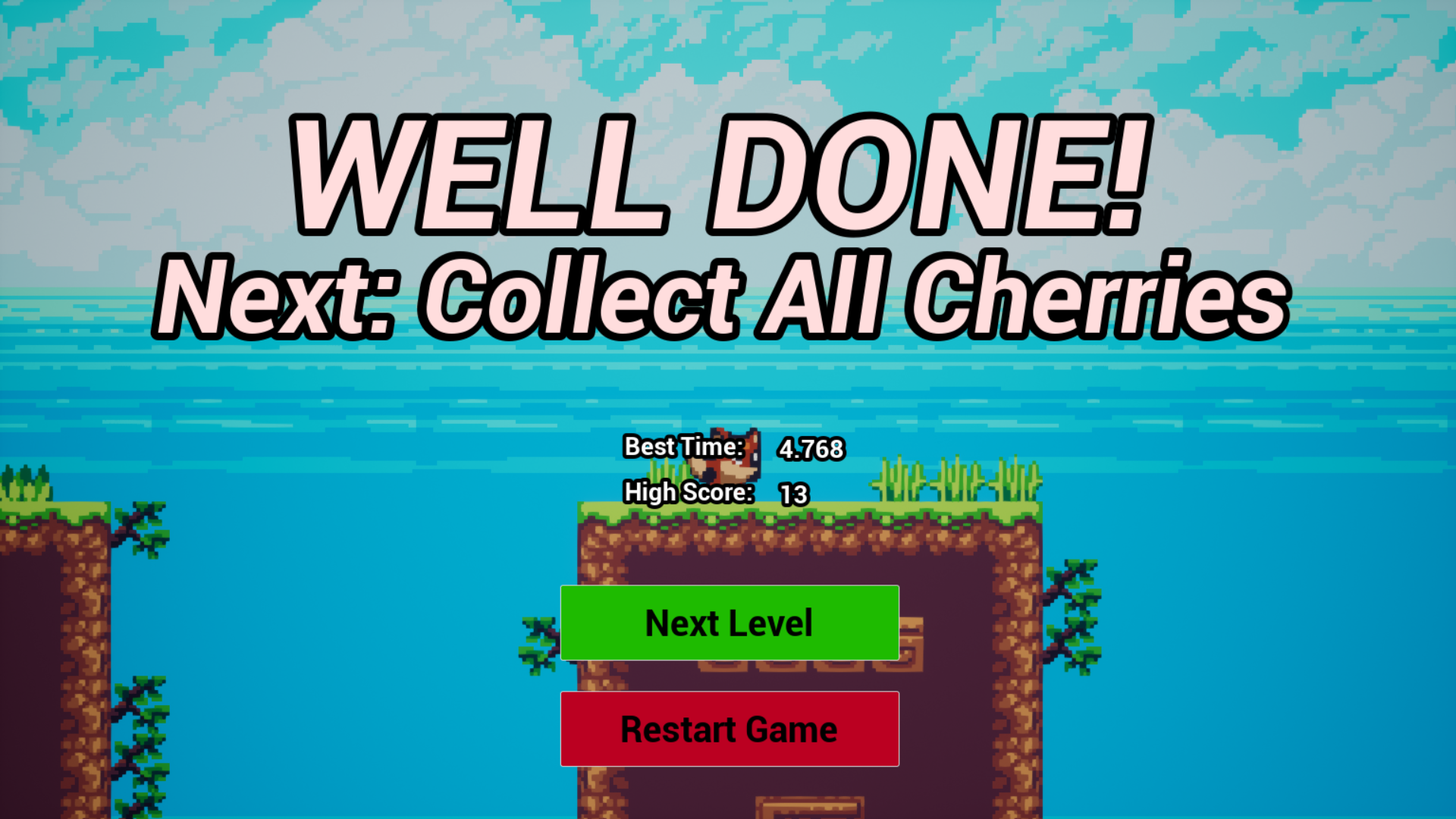
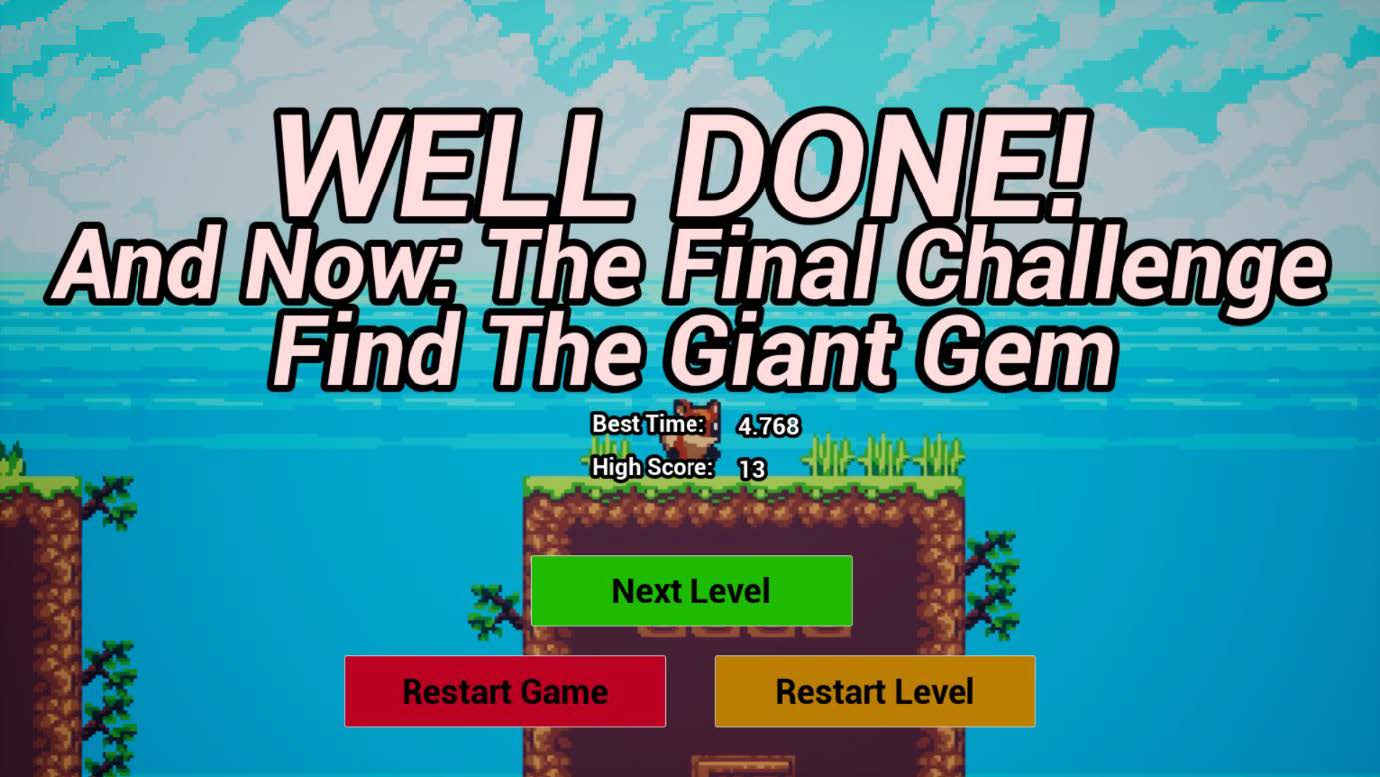
For each level, I made a separate ‘WinWidget.’ For levels 1 and 2 it says Well Done! and for the final level, it says You Win! In these widgets, the player can see the objective of the next level, as well as their Best Time and High Score for this level. After clearing the level, movement is disabled. Only ducking is still allowed. This started as a bug, but when I figured out the solution, I thought it was more fun before, so I deleted the solution. Now you can dance when you win the game. This little detail improves the user experience and personality of the game.
When I first made the enemy spawner, I implemented it in the first level. Later, I thought it would be better to place it in a later course. I made the eagle enemies fly in a fixed pattern; in the beginning, I had the eagle enemy spawn on a random location on the Z-axis, but I found most of my own fun with platformers comes from analyzing the patterns of enemies, so I can avoid them. It did not seem fair and fun to have them spawn anywhere and die, without you being able to do anything about it, so I created a pattern.
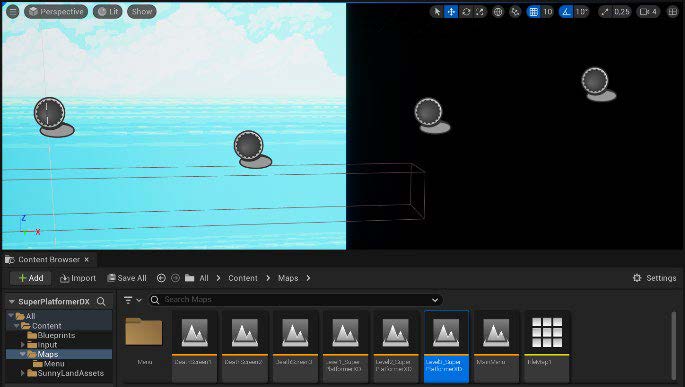
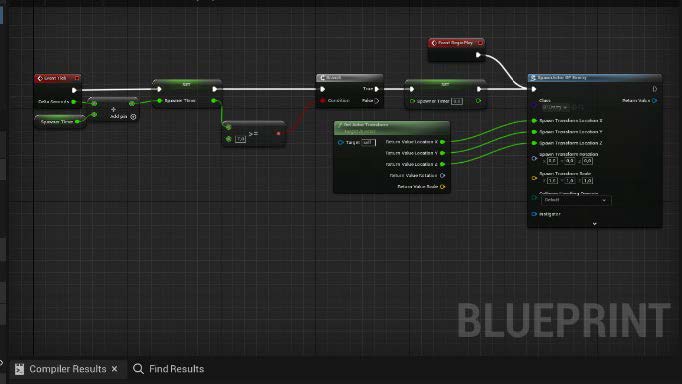 Here you can see how I created the pattern.
I set the enemy spawners apart the right amount, gave the eagles the same speed, and used a timer to make sure the next four eagles would perfectly match the pattern (Time = Distance / Speed).
Here you can see how I created the pattern.
I set the enemy spawners apart the right amount, gave the eagles the same speed, and used a timer to make sure the next four eagles would perfectly match the pattern (Time = Distance / Speed).
I finished my creation process by decorating. I had a basic layout of the TileMap, but I started to improve the level design. I also started to use decorations to make my game feel livelier. The last thing I did was optimize the placement of BluePrints like the cherries and the enemy spawners.
Because this was my first ever self-made game, I used the nodes system in Unreal Engine. This gave me a great introduction to how ‘real’ coding works and a head start in my future C#-projects.
Playtest
After creating the basics of the game, I started letting others playtest my game, gathering feedback, and improving my game.I let my mother play my game and she told me she did not understand the final goal. In the second level, I told her she had to collect all the cherries when she did not know what to do, so she was collecting all the cherries, just like in the second level. But of course, that was not the objective of this course. This was before every implemented the ‘WinWidgets’ per level. I understood that the player should always be able to understand what the goal of the level is and the purpose of the game, without me having to explain it, because if I were to upload my game and strangers would play it, they would have to understand it without my additional explanation. Therefore, I implemented these ‘WinWidgets’ as shown before, with some additional features that give the objective for the next level. This makes it clear for every player what the next objective is and it even gives a more satisfying feeling when the level is cleared.
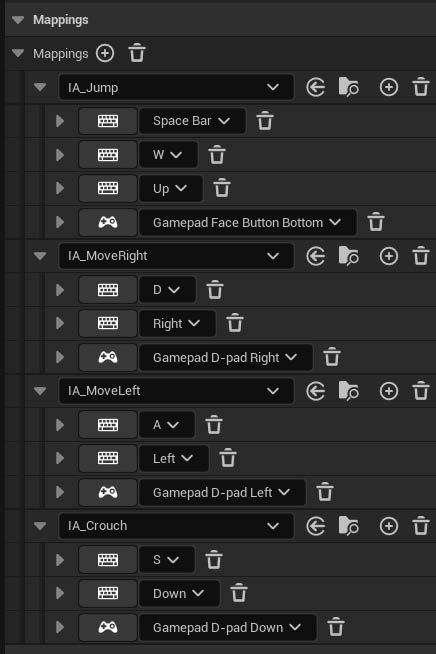
A first-year student noticed that my Current Time-timer only gave full numbers and no decimals.

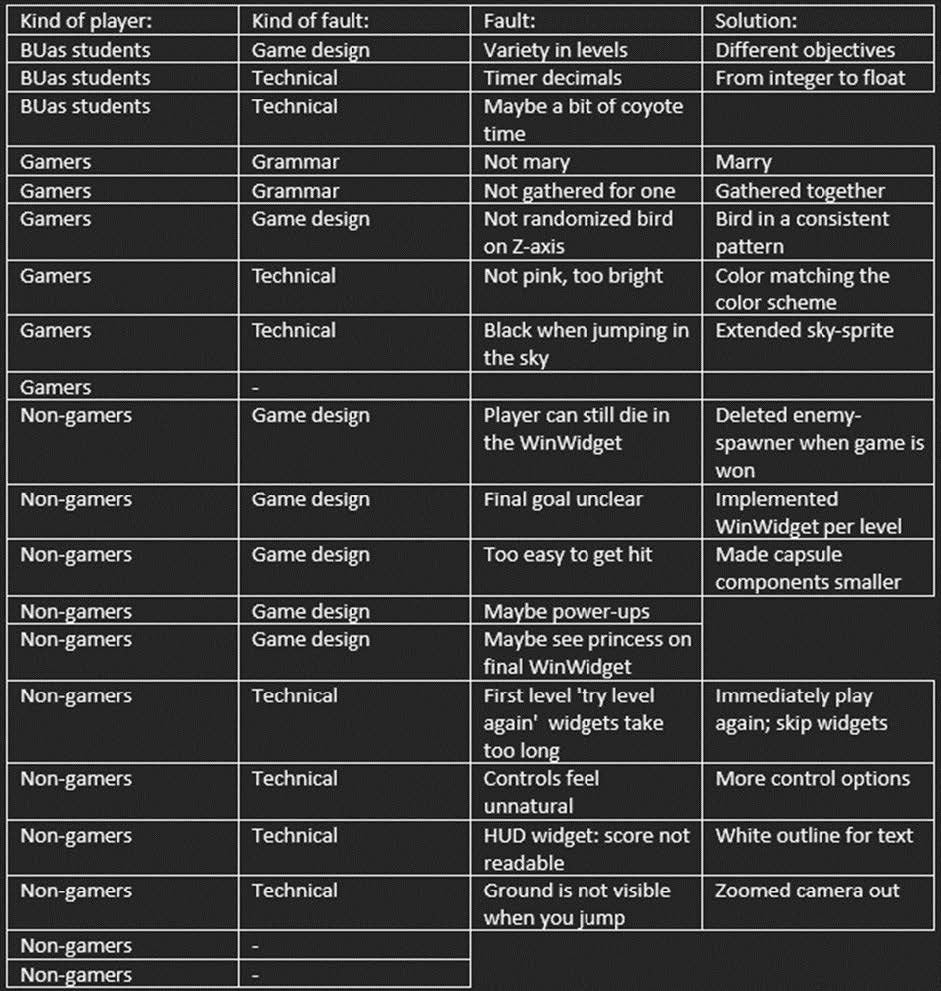
Conclusion
I started making this game by knowing nothing about Unreal Engine and building games. I only ever made levels. Now I have made a game that I want to improve by processing feedback, adding more levels with new enemies, an attack move for a boss fight, and a level selection screen that is unlockable after beating the game. Then, I want to create my existing game designs for real.During this project, I developed my skills in Game Design, Level Design, Unreal Engine, Prototyping and Gathering and Applying Feedback.
Link:
Download it for free on my Itch page!
Download the Windows version for free on my Itch page!